

When you travel on an airline, you need to follow the standard rules. It is especially essential if you want to carry a laptop and a portable monitor with you. But how can you examine it correctly? There is no need to worry about this concern anymore. Let’s find the best fit in a personal item that a remote worker can check before heading.
What Counts as a Personal Item on Airlines?
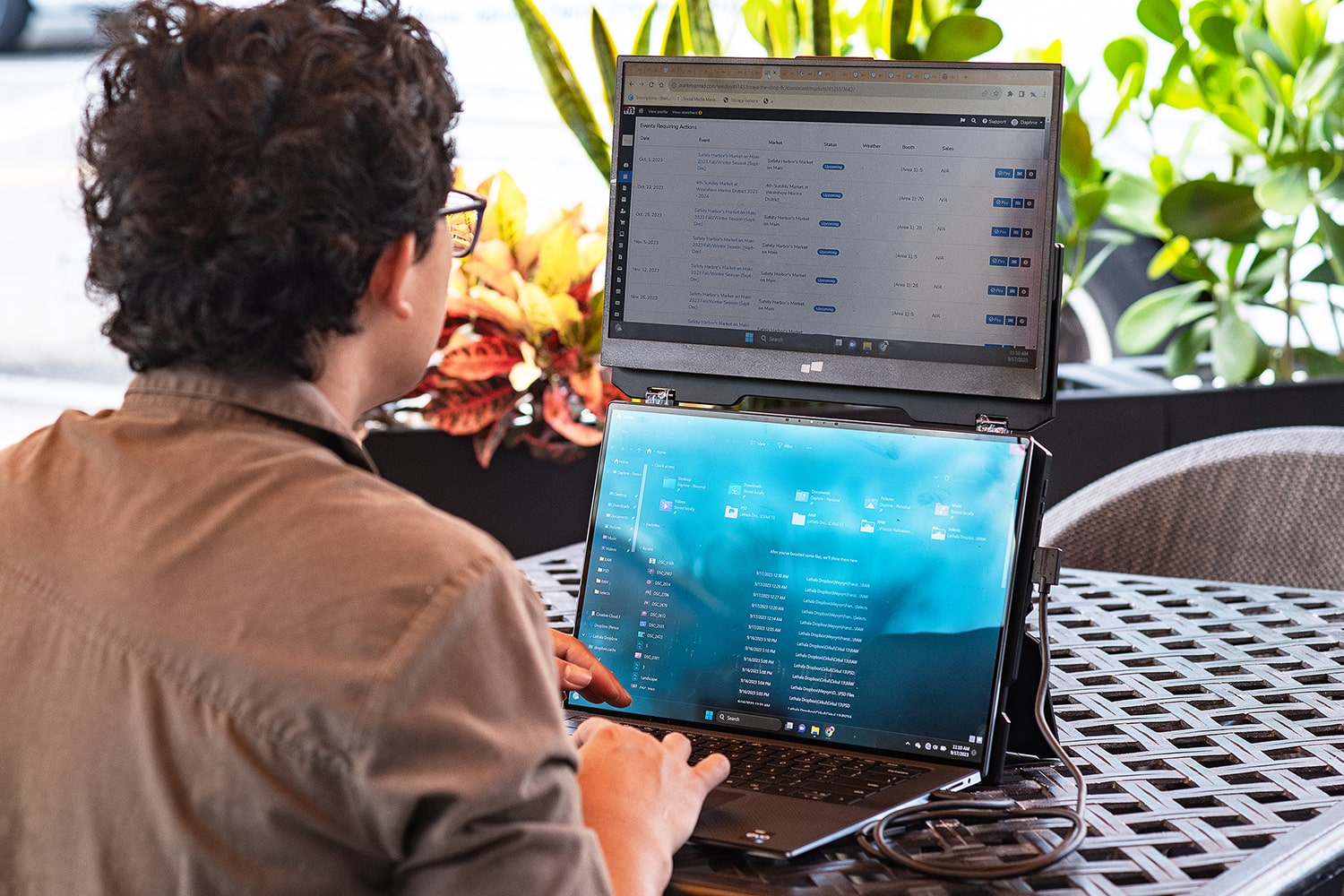
You need to understand what counts as a personal item on airlines. Usually, a personal item is a small bag that travelers place under their airplane seat in front of them. You can carry items like a Duex Float extra screen for a laptop in it. Many airlines allow for one personal item with a carry-on bag for travelers. Some common examples of personal items include your:
- Backpacks
- Laptop bags
- Purses
- Compact totes
These are not like your overhead luggage. Your personal items must fit within the restricted size limits. They need to be small enough to avoid issues like blocking passenger legroom.

Typical Personal Item Dimensions by Major Airlines
Every airline specifies the dimensions of its personal items. Generally, the maximum size goes up to 18″ x 14″ x 8″. The following list will help you learn about the dimensions of some major airlines.
- American Airlines: 18″ x 14″ x 8″
- United Airlines: 17″ x 10″ x 9″
- Southwest Airlines: 18.5″ x 8.5″ x 13.5″
- Emirates: 18″ x 14″ x 8″
- British Airways: 16″ x 12″ x 6″
- Budget Carriers (Spirit / Frontier): 18″ x 14″ x 8″
And you need to keep your items within these limits when traveling through these airlines.
Popular Portable Monitor Dimensions
There are several portable monitors that are ideal for travelers to carry. The following list contains information about the dimensions of the top portable monitors.
- Duex Float 2 Pro: 16-inch
- ASUS ZenScreen MB16AC: 15.6 inch
- Lenovo ThinkVision M14: 14 inch
- LG Gram +View: 16 inch
- ViewSonic VG1655: 15.6 inch
- Innocn 13A1F: 13.3 inch
- Arzopa G1 Game: 15.6 inch
After reading the dimension restrictions by airlines and the dimensions of portable monitors, you can make the right decision. So, step ahead and pick the ideal portable monitor for reliable remote working.
Realistic Packed Weight Breakdown for Remote Workers
Usually, a remote worker needs to carry essential gadgets to keep their work ongoing. The following is a quick breakdown of the weight of devices for remote workers when they travel.
- Laptop: 3 to 4 lbs
- Portable Monitor: 1 to 2.5 lbs
- Chargers: 1 lb
- Headphones: 0.6 lbs
- Keyboard: 1 lb
- Clothing: 3 to 5 lbs
- Backpack: 2 to 4 lbs
So, you get the idea of the weight to carry with you when you are choosing an airline to travel.
Packing Strategies That Actually Work
There are some packing strategies that can help you in your air travel. Some practical rules are listed below to guide you the best. Have a quick look!
- Keep your flat electronics in the laptop compartment.
- Try using the packing cubes to properly separate different items.
- Roll your clothes instead of folding them.
- Add compact chargers and multi-use cables when possible.
- Shift your oftenly used items into a packet that allows easy access.
- Pick the soft-sided backpacks that can be easily compressed under tight seats.
- Do not overstuff your bags.
Conclusion
Finally, you can see the possible dimensions that can work for remote workers in airlines for personal items. And you can easily carry your portable monitor with you. The ideal size will help you to travel freely. So, pack your bags and leave your worries behind about working productively from anywhere.